TODAY we start RIGHT HERE with a brand-new drawing series!
We will go from Shapes to Shine! In these step-by-step guides, we’ll begin with super simple shapes and, in just 4 stages, turn them into a finished illustration.
I’ve noticed that a lot of tutorials start way too complicated—like, “Draw the owl” and suddenly it’s a Renaissance masterpiece. Not everyone is at the same level, and that’s okay.
So I want to start easy. Really easy.
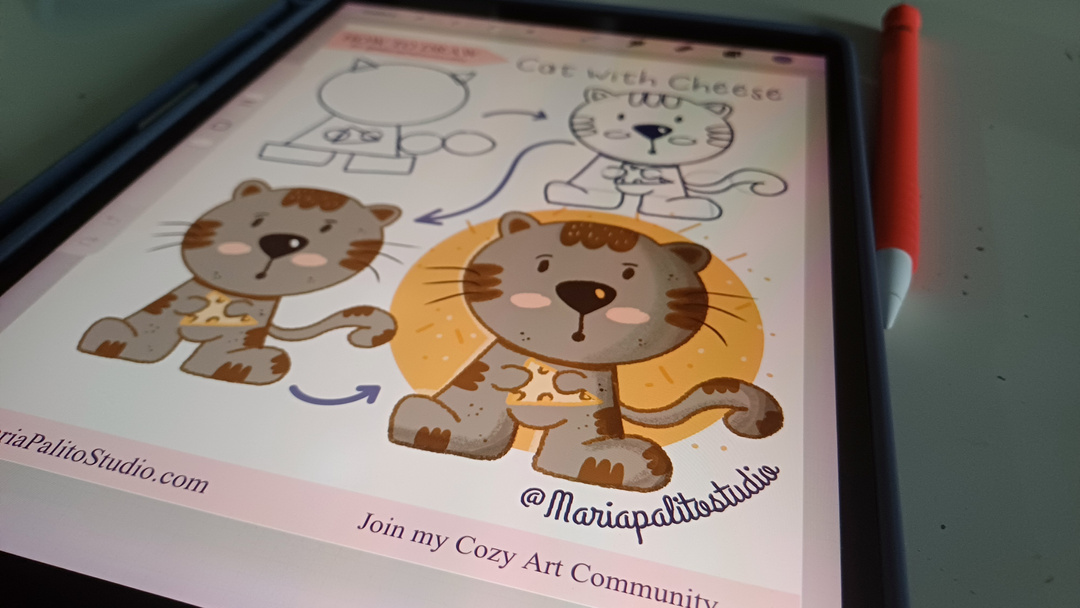
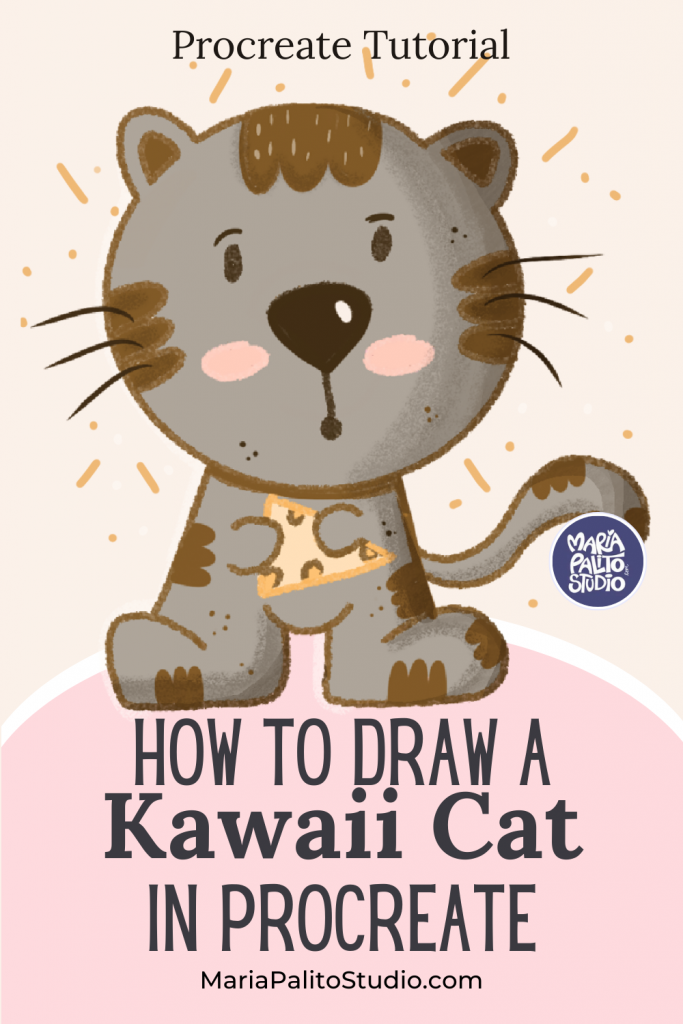
We’re kicking off with a guide on how to draw a simple cat in Procreate. You choose how far you go:
- Stop at the line art
- Add color
- Or go all the way to the final polished piece
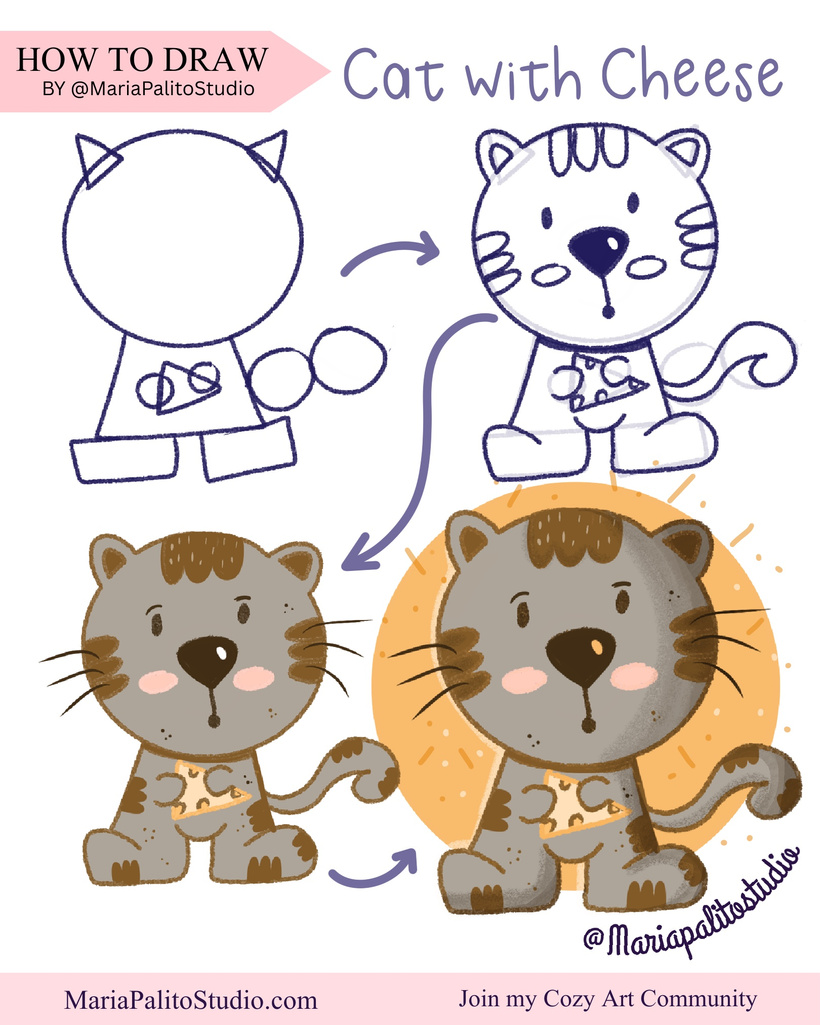
This is your journey. No pressure. No stress. Just fun.
The idea is to make it feel as easy as when we were kids learning to draw, and from there we’ll keep leveling up and refining every technique.
All using basic shapes like circles, squares and triangles.
What you’ll need
Skill level: Beginner
Canvas: 2000 × 2000 px, 300 DPI (square)
- iPad + Procreate
- Apple Pencil (or compatible stylus)
- Free Sketch Base + color palette (Optional) Free Download below ⬇️
Brushes used on this illustration: 30 Procreate Brushes for Illustration
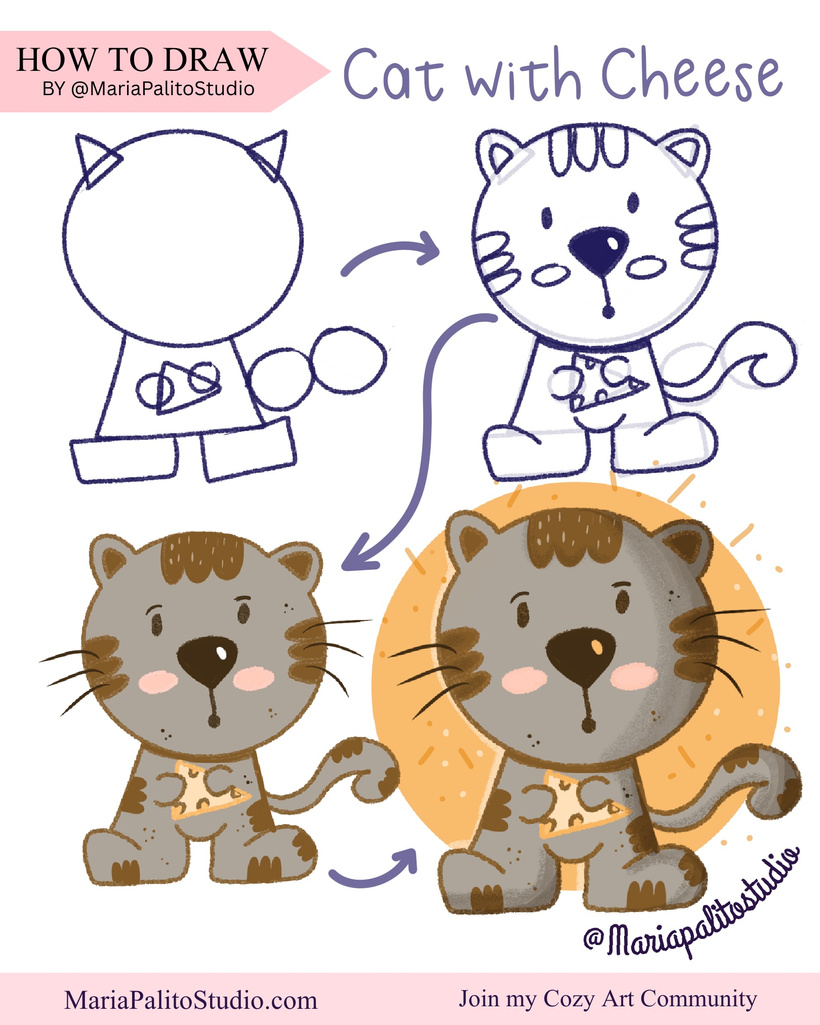
Download Free Procreate Sketch Base & join our Patreon Art Community!
The colors include soft skin tones, warm browns, gentle pinks, and a playful orange for the hair. I also used cool blues and greens for the outfit, and a little pop of yellow for the bunny’s bandana. These colors work beautifully together and help create a soft, storybook feel.
Anyone can do this.
And yes—your kids can draw along with you too while you work on your iPad.
Let’s start simple.
Let’s grow together.
And let’s draw something adorable.