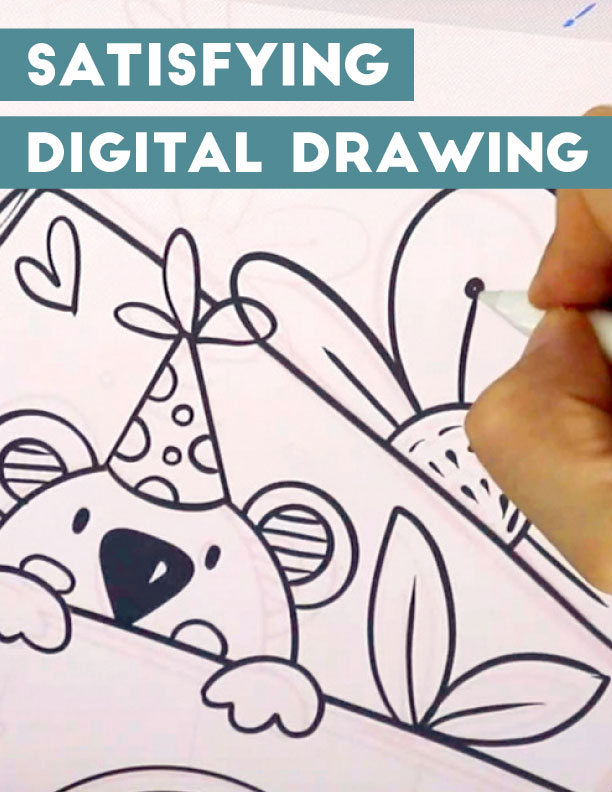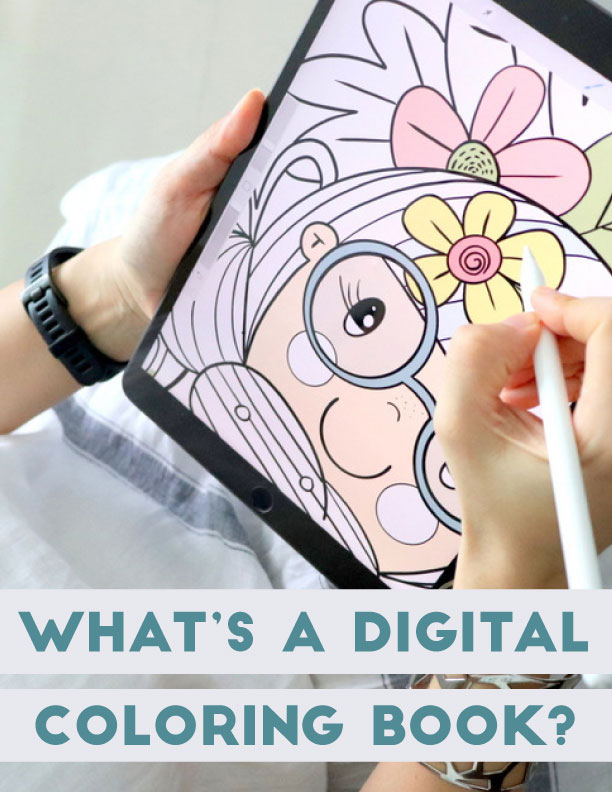
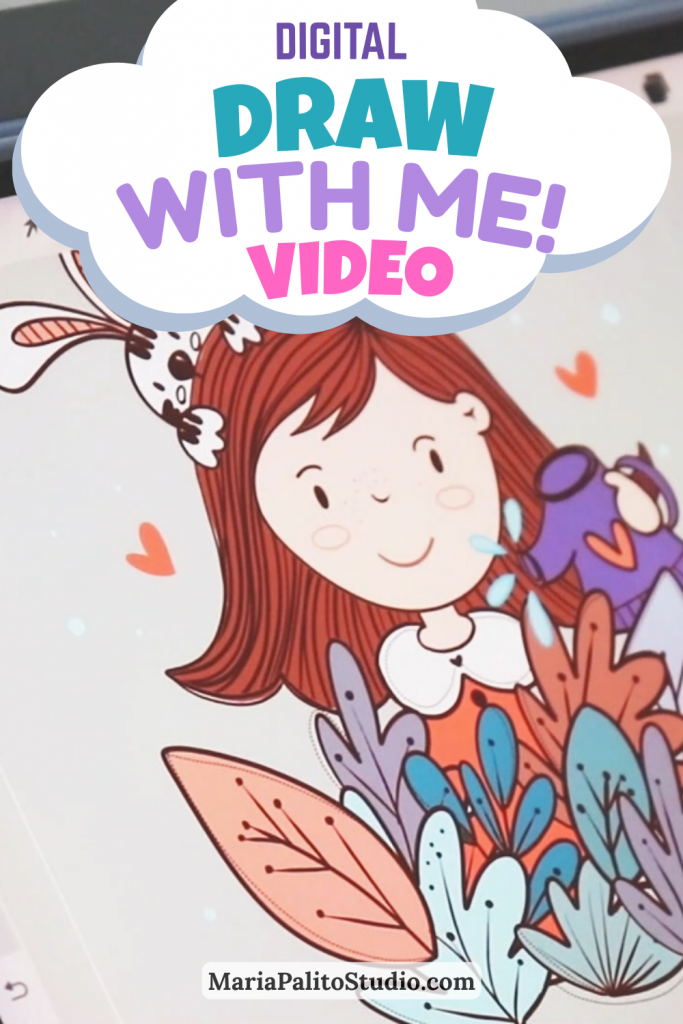
I remember when I first started learning Procreate, I didn’t know where to begin. I started looking for inspiration and learning online. It would have helped me a lot to see other artists working and drawing, so today I want to share a new video with you. I’m drawing a new illustration in real time (with the exception of some boring sections that I’ve set to 2x speed).
FOLLOW ALONG THE DRAW WITH ME VIDEO
If you want to follow along, I’ve attached it to this email. The color palette and sketch to start the illustration.
JOIN MY ART COMMUNITY!
Join my Patreon Community and download for Free the Procreate Color Palette and sketch to start the drawing and many other free resources!
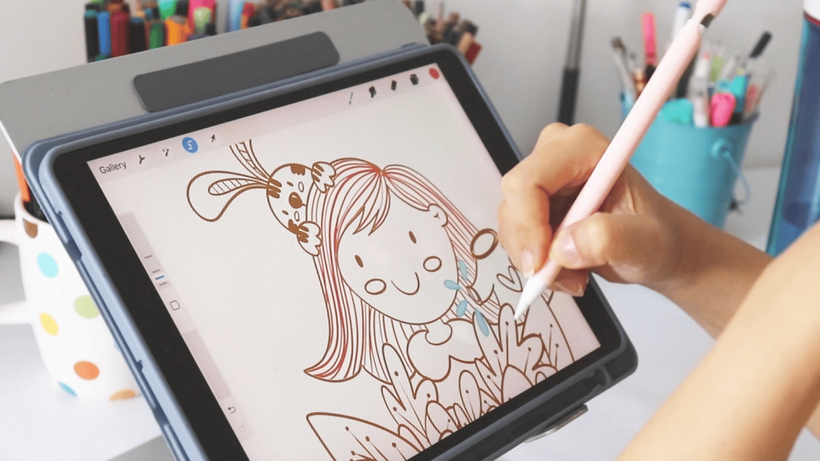
Every artist is different. And this is the system I use for each of my illustrations. I start with a very well-done sketch. Then I continue shading and adding shadows and highlights. I hope you enjoy it and let me know in the comments. What would you like me to draw next time?
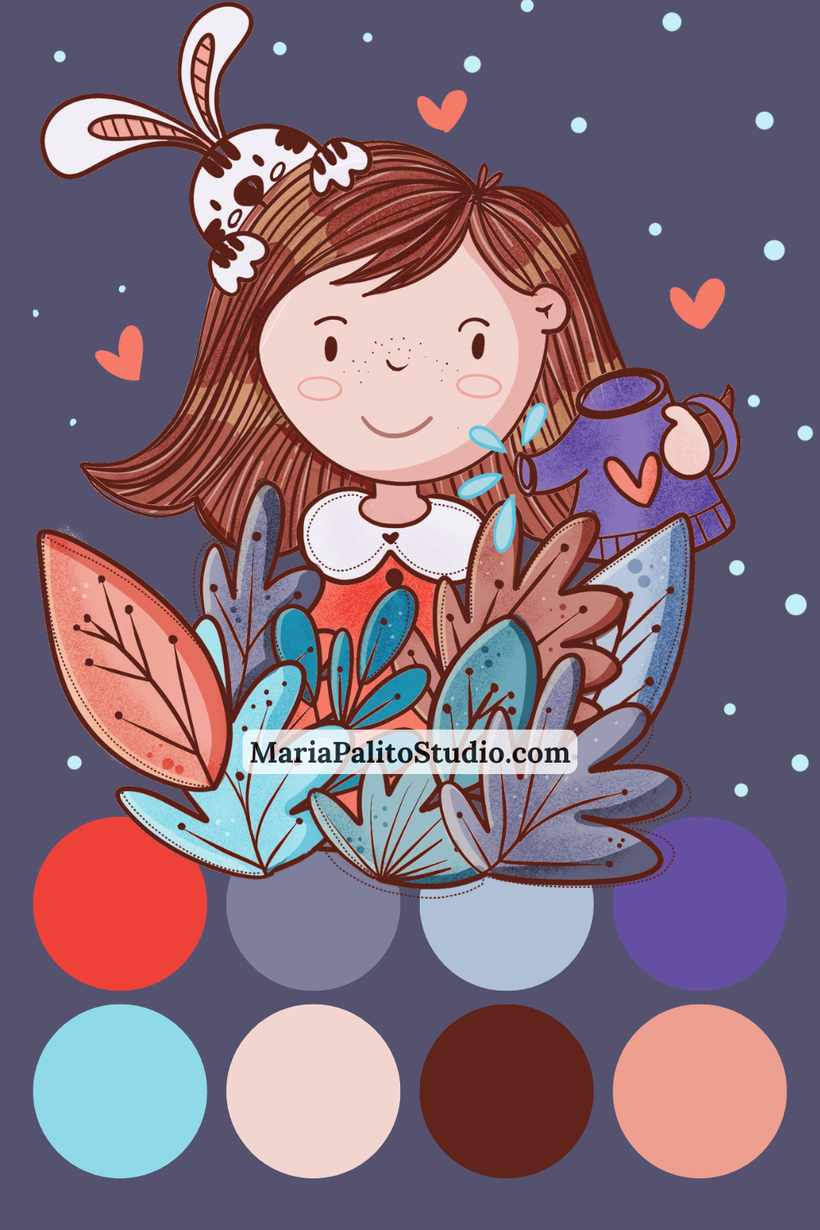
COLOR PALETTE:
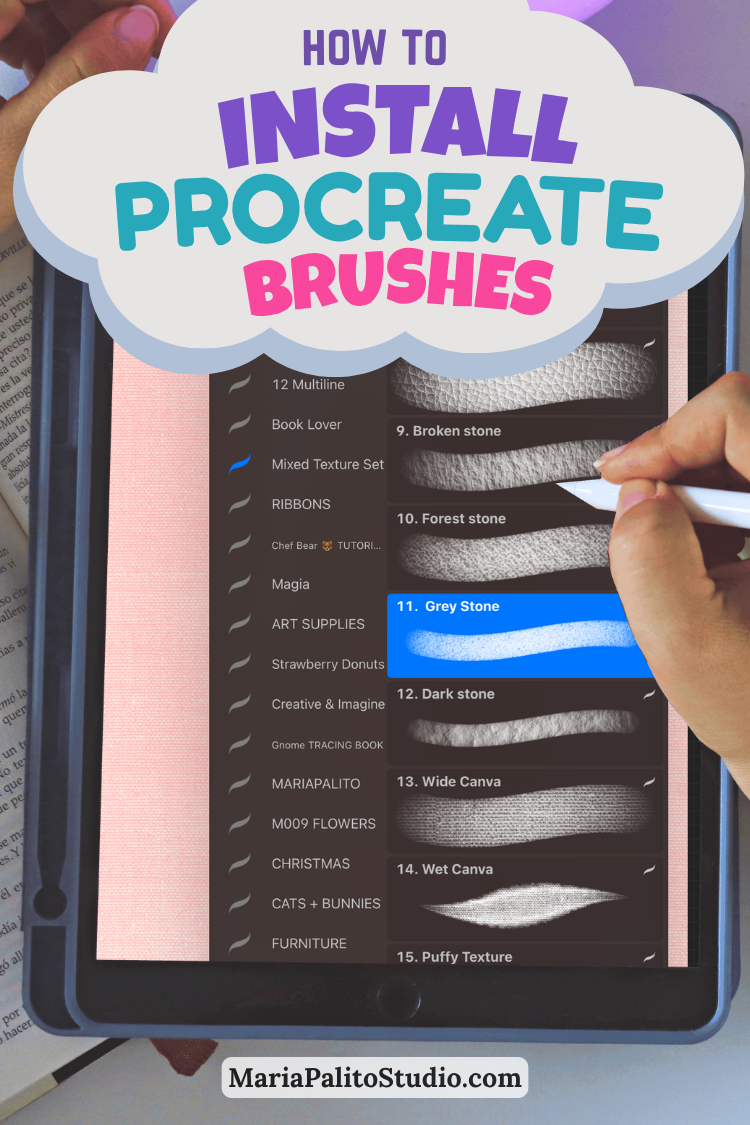
BRUSHES FOR THIS DRAWING
IMPORTANT !!! You can use the default brushes included in the app procreate – section Calligraphy like water Pen for sketching and the Monoline brush for inking.

However, since I create Custom Procreate Brushes for my shop, this time I am using brushes from the Sketching Brush Set and my favorite Smooth Inking Brush for the lineart.

I hope you enjoy the video, share with me your illustration via Instagram!